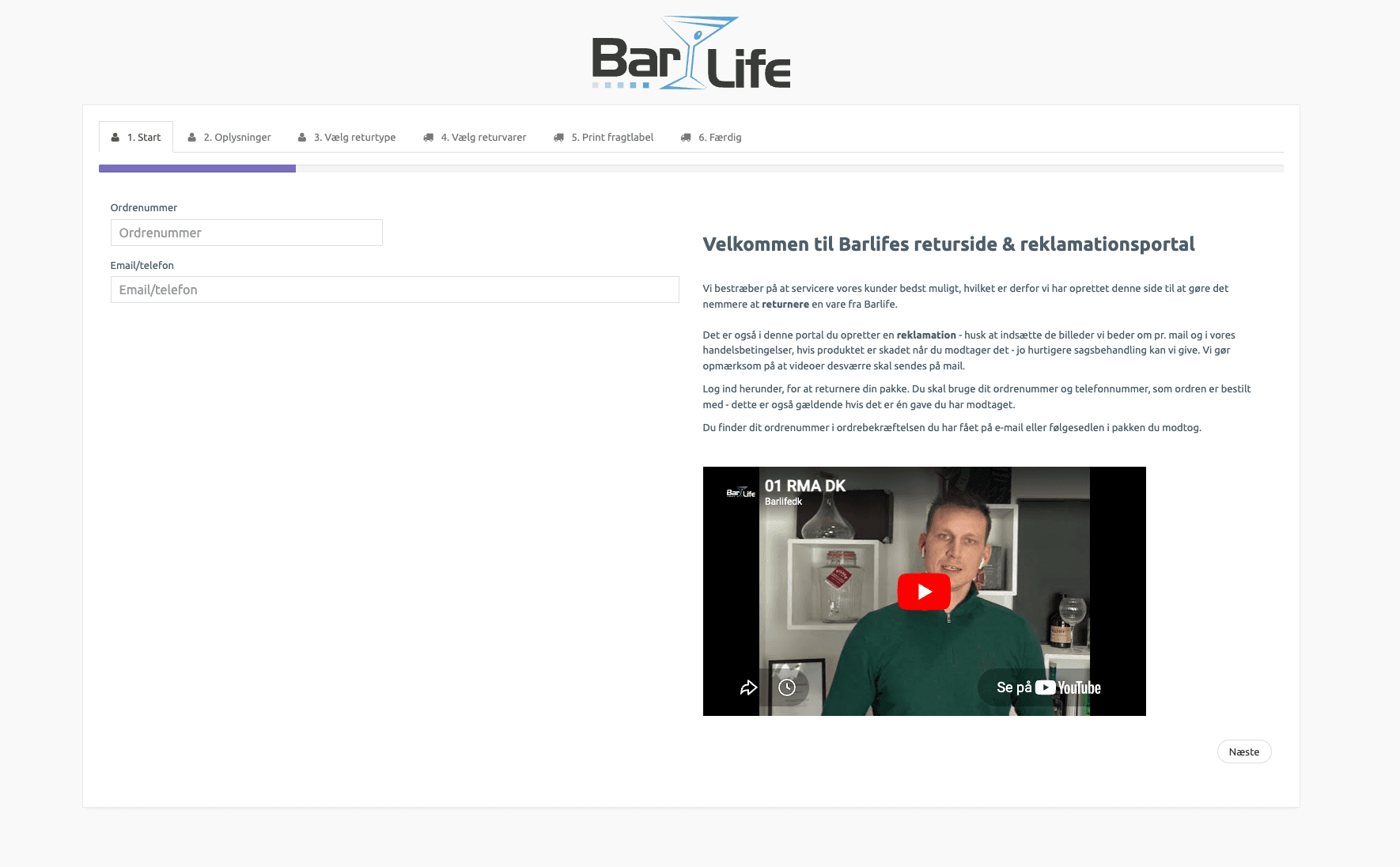
A branded portal where the customer enters the order number, selects the items to return, states a reason and receives a return label — without contacting your customer service.
The return label is generated automatically based on order data. The customer downloads or prints it directly from the portal.
Define return reasons that suit your business. The reasons are automatically translated into the customer’s language in the portal.
Complete returns process: the customer initiates → a return label is generated → the item is received → condition is assessed → restocking or disposal.
1. Customer initiates the return (portal, email or manually)
2. A return order is created in the system
3. Return label is generated and sent to the customer
4. The warehouse receives the return
5. Items are scanned in and condition is recorded
6. Restocking or disposal
7. Refund/credit note
When the return parcel arrives, the employee scans the items in. The condition is recorded, and items in good condition are automatically restocked.
Can automatically select the right carrier and shipping type for the return — based on the customer’s country, order value or other criteria.
A self-service returns solution for your customers — fully white-label with your own design and logo. Fewer support enquiries, faster processing, and a returns experience that strengthens your brand instead of undermining it.
Create configurable questionnaires in the returns portal. The customer answers questions about the return reason, item condition and desired handling — before the return label is generated.
Link return tags to specific return reasons. When a customer selects “Faulty item”, the return order automatically gets a “Quality control” tag.
Refund the customer’s payment directly from the return order. Supports 13+ payment gateways including Klarna, Stripe, Quickpay, Reepay, Bambora, ePay and more.
The customer answers questions for EVERY item being returned — not just once per return. Questions can differ per return reason. Data is shown in the return order for the employee.
For every returned line item, the employee records whether the item goes back into stock or is disposed of. Full statistics on disposal vs. restocking.
Configure multiple return label providers with different pricing. The customer pays the return label price directly or via the order.
Return orders can be handled on the handheld terminal: scan the return order ID, scan items, record batch/serial numbers, place on the return location. All without using a computer.
Book a demo and see the self-service portal and RMA process in action.
Get a personal walkthrough in 30-60 minutes. We’ll show you exactly how Lagersystem suits your business — with a focus on the features that matter most to you.
We typically get back to you within 24 hours on weekdays.