Create purchase orders manually, import from your ERP system, or receive them via API. When the goods arrive, the warehouse knows exactly what to expect.
The employee scans each item in using the handheld terminal. The system ticks it off against the purchase order and automatically flags discrepancies.
Based on location reservations and stock history, the system suggests the optimal storage location. The employee scans the location to confirm.
Assign batch numbers and expiry dates on receipt. The system automatically ensures the oldest batches are picked first (First Expire, First Out).
Scan or enter serial numbers on receipt. Each individual product can be tracked throughout the warehouse and all the way to the customer.
Take photos of received goods as documentation. Damaged packaging, wrong items or quality issues are recorded visually.
Every receipt is archived with full history: date, supplier, recipient, quantity, batch, serial numbers and any discrepancies.
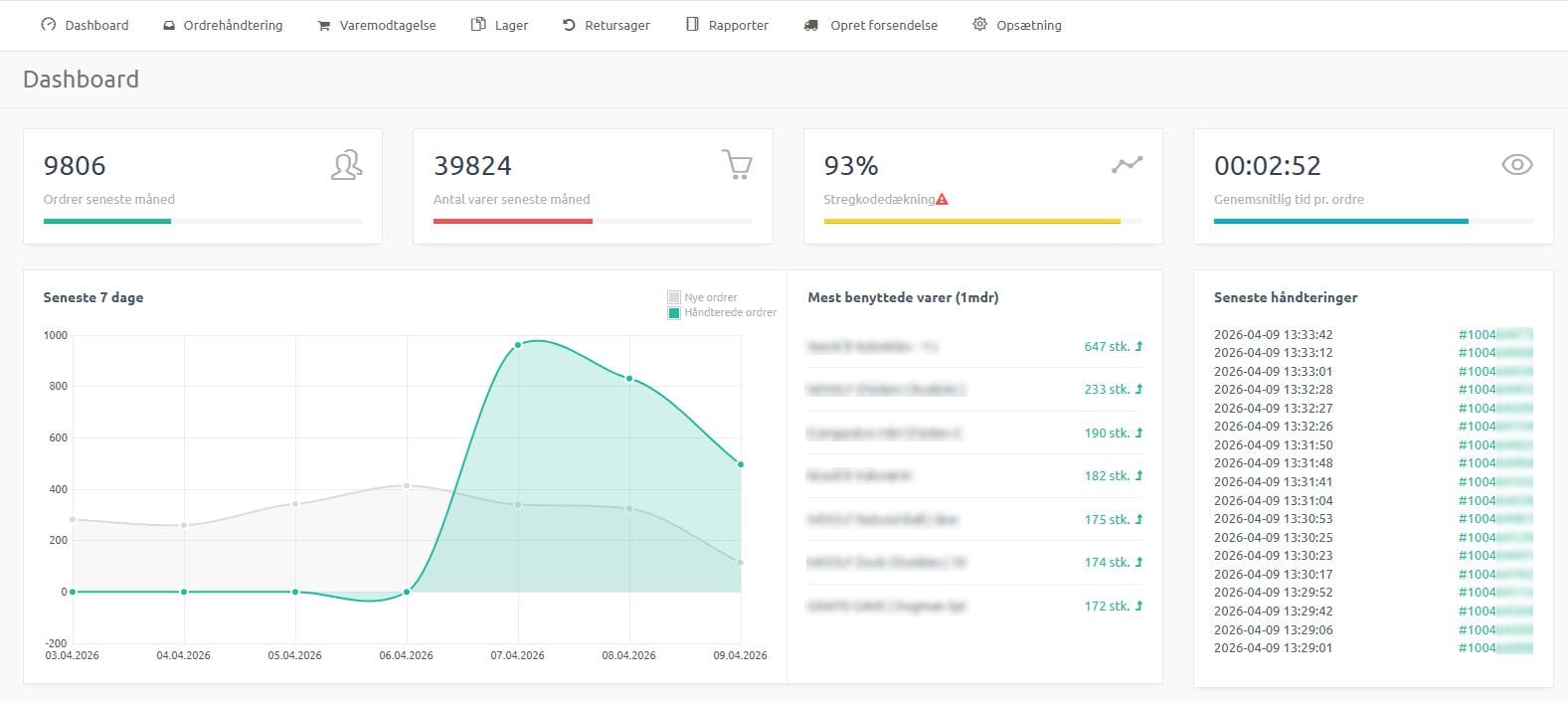

Register suppliers with contact details, currency and delivery terms. Link suppliers to purchase orders for full traceability.
When goods are received and put away, the system can automatically print location labels via the print client. The employee knows exactly where the item should go.
Product labels can be printed directly during goods receiving, so if your items arrive without barcoded product labels, you can print them yourself. If no EAN number is registered for your items, you can choose to print your SKU as the barcode instead.
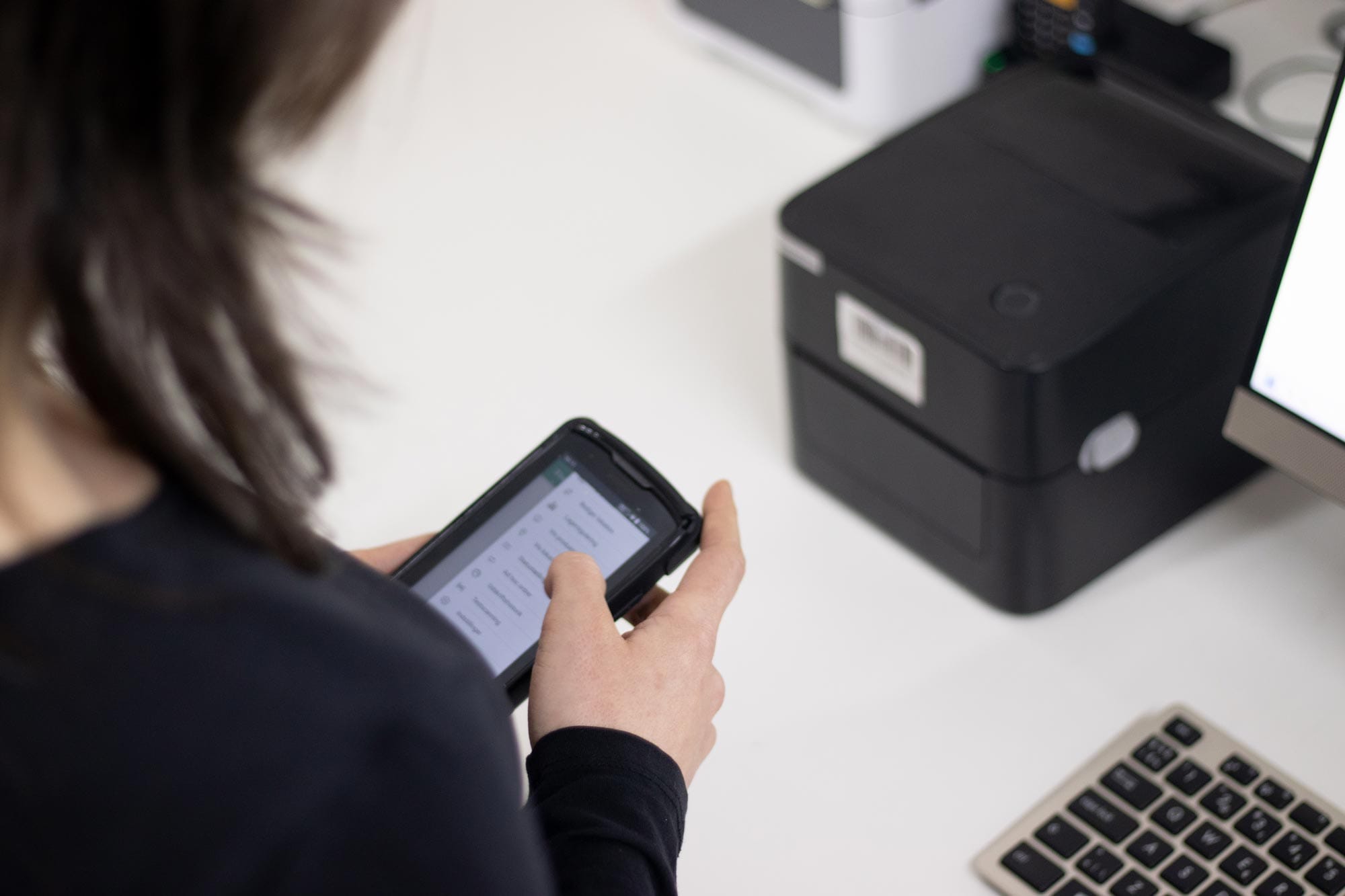
The system can generate XLSX files with purchase orders ready to send to the supplier — based on minimum stock levels and current inventory. In addition, purchase suggestions can be generated based on sales/expected sales in the reorder suggestion report.
A daily job automatically sends an email with a CSV of all items below the minimum stock level. Ideal for the purchasing department.
Book a demo and see how scanning, batch and serial numbers work in practice.
Get a personal walkthrough in 30-60 minutes. We’ll show you exactly how Lagersystem suits your business — with a focus on the features that matter most to you.
We typically get back to you within 24 hours on weekdays.