Over the years, DanDomain has evolved from the classic Classic platform to the modern HostedShop. Our integration works with both:
Are you in the middle of migrating from Classic to HostedShop? We keep up. You keep your warehouse management system while you move your webshop — and the transition itself becomes markedly easier, because warehouse, picking and reporting are separate from the webshop platform.
Your product catalogue is edited as usual in the DanDomain admin. We automatically pull the products into the warehouse management system and keep the data in sync.
We understand DanDomain’s product structure:

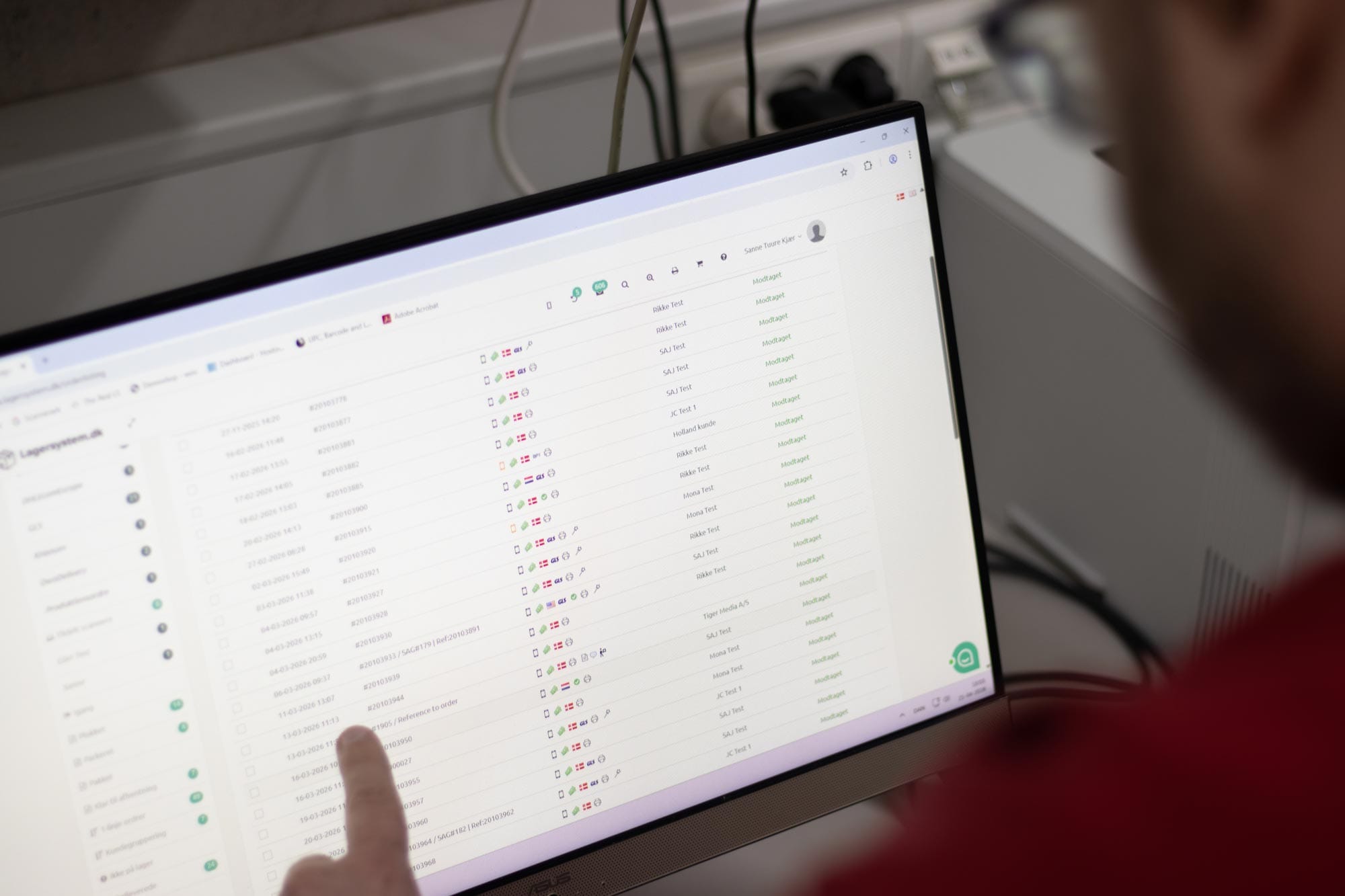
When an order in your DanDomain webshop reaches the status you’ve chosen as the trigger (typically New order or Paid), the warehouse management system pulls the order in. We fetch:
When the warehouse worker scans the order as complete on the handheld terminal, the following happens automatically in DanDomain:
This means your customers get DanDomain’s own emails and notifications at the right time — without anyone having to click anything manually in the webshop admin.
The warehouse management system is the single source of truth for physical stock. When changes happen in the warehouse — picking, goods receipt, stocktaking, adjustment — the new stock level is pushed to DanDomain. This happens as batch updates, so even with large volumes your webshop is updated quickly.
When your warehouse receives goods from a supplier and scans them in, stock is updated in DanDomain immediately — including partial deliveries. You don’t need to wait until the entire delivery is in before customers can order again.
Picking, goods receipt, location management and stocktaking take place on rugged Android handheld terminals with 1D/2D scanners (Honeywell or Zebra scan engine). Warehouse staff work with a scanner in hand — not a mouse in the webshop admin.
Every item gets its place — aisle, rack, shelf, bin. Multiple locations per variant, pick-optimised routes, and visual stock placement that makes onboarding fast.
The warehouse management system can automatically suggest purchase orders based on minimum stock and sales forecasts. Receive goods by scanning and book them straight onto location.
Do you sell products that require traceability? We handle batch numbers, serial numbers and expiry dates (FIFO / FEFO) — so you can always answer which batch went to which customer, and when.
Cycle counting, zone counting and full annual stocktakes — all done on the handheld terminal. Discrepancies go to approval before being posted, and stock is synced back to DanDomain once approved.
When a customer returns an item, your warehouse can receive it, scan it, quality-check it and put it back into stock — or mark it as defective. Stock is updated automatically in DanDomain.
Picking times, error rates, stock value, inventory turnover and dead stock — you get the numbers to run your warehouse professionally, and you can break down reports by site and by sales channel.
We support DanDomain’s parcel shop flow. When the customer chooses a parcel shop at checkout, the address comes through on the order, and the label is booked automatically with PostNord, GLS, DAO, DHL, UPS, Bring and others.
Do you currently click around the DanDomain admin to set orders to Shipped, enter tracking numbers and create invoices? With our integration you get:
Yes. We’ve been integrated with DanDomain Classic for many years and know the platform’s quirks. It’s running in production for plenty of Classic shops.
Yes. We fully support the new HostedShop — products, orders, variants, status updates, track & trace and invoice creation.
Yes, this is actually one of the best times to bring in the warehouse management system. We connect to the new HostedShop while you migrate, and the transition becomes markedly easier because warehouse, picking and reporting are separate from the webshop platform. You keep your warehouse management system and your stock history.
No. The integration only requires an API user in your DanDomain admin. No plugins, no modifications, no webshop customisations.
Yes. Each variant is its own item in the warehouse management system, with its own stock, its own location and its own picking information. The variant name (size, colour, measurements) is shown on the picking list, so warehouse staff see exactly what they need to find.
Yes. If you run several DanDomain sites or several languages on the same solution, we fetch data in the right language and keep orders separated per site in the reports.
When the order is dispatched from the warehouse, we set it to the order status you’ve chosen — e.g. Shipped, Packed or Ready for collection. It’s fully configurable, so it matches your existing order flow.
Yes. On HostedShop, we can have the webshop create the invoice after packing, set payment due dates on B2B orders, and send the invoice email to the customer — all automatically.
The tracking number is written directly onto the order in DanDomain, so the customer gets their tracking email via DanDomain’s own flows.
Yes. We connect to your shipping agreements with PostNord, GLS, DAO, DHL, UPS, Bring and others. Labels are printed directly from the warehouse.
Yes. We read the payment method from the order and log the transaction, so bookkeeping and reconciliation are ready for your accounting system.
Yes. We have integrations with, among others, Uniconta, e-conomic and other accounting systems. Orders from DanDomain can flow straight through into the accounting workflow — no more manual keying in.
Live — as soon as a stock movement happens. If DanDomain’s API is briefly unavailable, we queue the updates and send them as soon as the connection is back.
Typically every few minutes. This can be adjusted if your volume requires faster handling.
Yes. The warehouse management system is channel-independent, so you can have the webshop, the shop and possibly several sales channels (Shopify, Amazon, eBay, B2B portal) on the same physical warehouse.
Yes. We run daily synchronisation on shops with tens of thousands of variants. The import happens paginated and resource-light, so the DanDomain admin isn’t put under strain.
Get a personal walkthrough in 30-60 minutes. We’ll show you exactly how Lagersystem suits your business — with a focus on the features that matter most to you.
We typically get back to you within 24 hours on weekdays.