
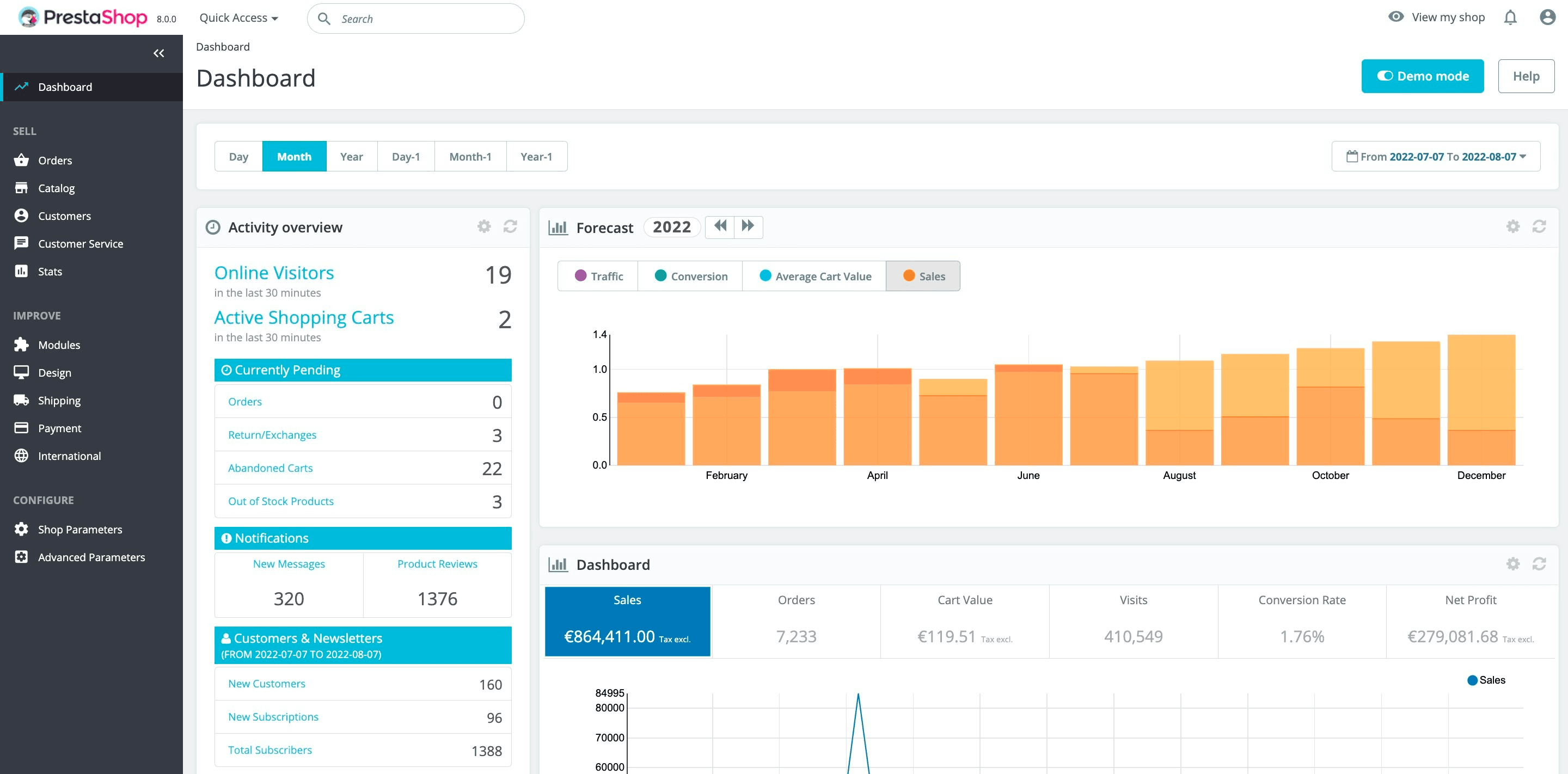
Your product catalogue stays in PrestaShop’s back office — that’s where you manage products, combinations, attributes, categories, suppliers and specific prices. Lagersystem automatically pulls in product master data, images and variants, and keeps stock levels synchronised in both directions.
When a customer places an order in the webshop, it flows straight into Lagersystem as soon as it reaches the order status you choose — typically Payment accepted or Processing.
PrestaShop’s built-in returns module gets a serious upgrade. When a customer creates a return request, your warehouse can receive, scan, quality-check and put the item back into stock — or mark it as faulty — directly from the handheld terminal. The status flows back to the back office automatically.
Customer data, customer groups, currencies and languages come across from PrestaShop. That means pick lists, invoices and delivery notes can be tailored per customer group — for example wholesale vs. retail — and your language versions carry through to the warehouse.
We read your carriers and shipping rules from PrestaShop and use them to automatically choose the right carrier. Print the shipping label, delivery note and, if needed, a return label in the same workflow — without having to log into the carrier’s own portal.

Picking, goods receipt, counting and location management all take place on rugged Android handheld terminals with a 1D/2D scanner. Your warehouse staff work with a scanner in hand, not a mouse in the back office.
Every item has its place — aisle, rack, shelf, bin. Multi-location per SKU, pick-optimised routes, and visual warehouse placement that keeps new-starter training short.
Create purchase orders based on minimum stock levels, sales forecasts, or manually. Receive goods by scanning and book them straight into location. Supplier data from PrestaShop is used as the starting point.
Do you sell goods with batch numbers, serial numbers or expiry dates? We handle FIFO, FEFO and full traceability — so you can answer which batch went to which customer, and when.
Cycle counting, zone-based counting and a full annual stocktake — it all runs on the handheld terminal, and discrepancies go to approval before they’re posted.
Pick times, error rates, stock value, turnover rate, dead stock — you get the figures you need to run the warehouse professionally, not just guess.
Using PrestaShop’s own Advanced Stock Management (ASM) today? We’ve migrated plenty of shops away from ASM and know the typical challenges: locations that don’t quite work, stock levels that drift, and reports that don’t match reality. We handle the transition so you keep your history and your setup, but end up with a warehouse that actually works day to day.
Yes. We support both PrestaShop 1.7.x and PrestaShop 8.x. The integration is built on the official Webservice API, so it keeps pace with PrestaShop’s own updates.
We use PrestaShop’s Webservice and can add a lightweight module if you want extra functionality in the back office (for example, stock status per location directly on the product page). No heavy overrides or core changes.
Yes. Each combination is treated as its own SKU with its own stock level, its own location and its own picking information. It’s one of the most common reasons PrestaShop shops switch to us.
Yes. You can choose a shared warehouse across shops, separate warehouses per shop, or a mix. Many B2B+B2C setups run a shared physical warehouse but keep stock levels separated per sales channel.
Orders created manually in the back office are treated just like any other — they flow into the warehouse system at the order status you’ve chosen as the trigger.
Yes. We read your carriers from PrestaShop and connect to your shipping agreements with PostNord, GLS, DAO, DHL, UPS, Bring and more — labels are printed directly from the warehouse.
That’s exactly the point. You can switch ASM off and let our system take over all the stock logic, while keeping PrestaShop as your product, order and customer system. The two roles are clearly separated.
Yes. Our warehouse system is channel-independent — PrestaShop can be your first channel, and you can connect more later without needing to rebuild anything.
Get a personal walkthrough in 30-60 minutes. We’ll show you exactly how Lagersystem suits your business — with a focus on the features that matter most to you.
We typically get back to you within 24 hours on weekdays.