

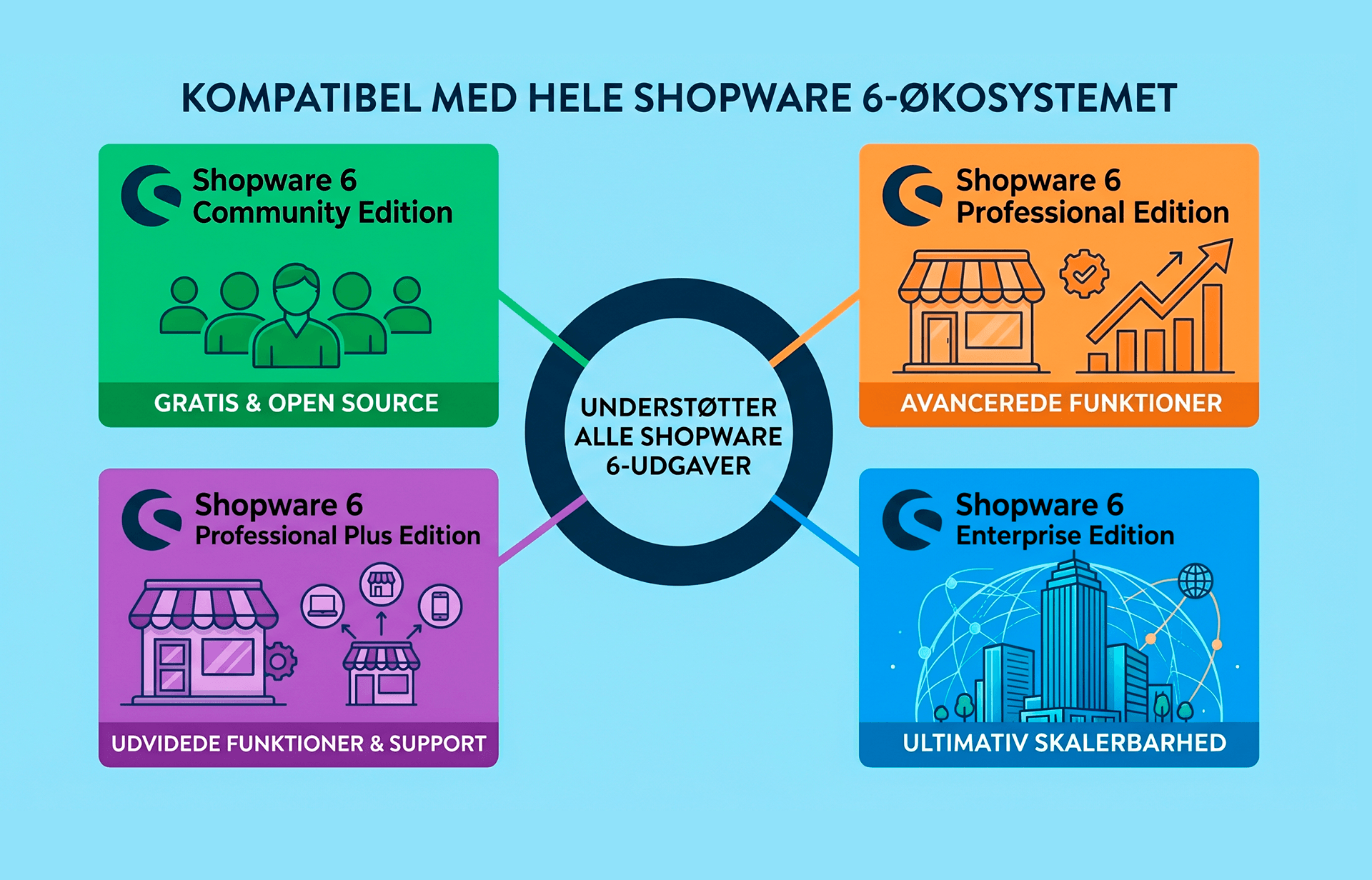
Our integration is built on Shopware’s Admin API, so it works equally well across all editions:
Switching edition later? The integration comes with you — you won’t need to change warehouse systems just because you upgrade your Shopware licence.
Your product catalogue is edited as usual in Shopware Administration. We automatically pull the products into the warehouse system and keep the data in sync.
We understand Shopware’s product structure:
Parent products (variant groups with no stock of their own) are naturally skipped — we only work with the variants that actually need picking.
When an order in Shopware is open or in progress and payment is confirmed, the order is pulled into the warehouse system automatically.
We fetch:
When the warehouse operative finishes scanning the order on the handheld terminal, three things happen automatically in Shopware:
Your customers therefore get Shopware’s own emails and notifications at the right time — without anyone having to click anything manually in the Administration.
Tracking numbers from your carriers (PostNord, GLS, DAO, DHL, UPS, Bring and others) are written directly onto the delivery in Shopware. This means that:
The warehouse system is the single source of truth for physical stock. Whenever changes happen in the warehouse — picking, goods receipt, stocktaking, adjustment — the new stock level is pushed to Shopware. This happens as batch updates, so even with large volumes your storefront stays updated quickly.
When your warehouse receives goods from a supplier and scans them in, stock levels in Shopware are updated immediately — even for partial deliveries. You don’t need to wait until the entire delivery has arrived before customers can order again.
Picking, goods receipt, location management and stocktaking all happen on rugged Android handheld terminals with a 1D/2D scanner. The warehouse operative works with a scanner in hand — not with a mouse in the Administration panel.
Every item gets its place — aisle, rack, shelf, bin. Multiple locations per variant, pick-optimised routes, and visual warehouse placement that makes training staff quick.
Your manufacturers from Shopware are used as the basis for purchasing management. The warehouse system can automatically suggest purchase orders based on minimum stock levels and sales forecasts. Receive goods by scanning and book them straight into a location.
Do you sell items that require traceability? We handle batch numbers, serial numbers and expiry dates (FIFO / FEFO) — so you can always answer which batch went to which customer, and when.
Cycle counting, zone counting and a full annual stocktake — it all happens on the handheld terminal. Discrepancies go to approval before they’re posted, and stock levels are synced back to Shopware once approved.
When a customer returns an item, your warehouse can receive, scan, quality-check and put the item back into stock — or mark it as defective. Stock levels are updated automatically in Shopware.
Picking times, error rates, stock value, inventory turnover and dead stock — you get the figures to run the warehouse professionally, and you can split reports per sales channel, so B2C and B2B don’t get mixed together.

Do you currently click around in Shopware Administration to set orders to completed, add tracking numbers, and update stock levels? With our integration you get:
Yes — the integration is built specifically for Shopware 6 and uses Shopware’s official Admin API. It’s tested and running in live production, including B2B and wholesale shops that rely on Shopware — one of Germany’s leading e-commerce platforms.
Yes, all editions. The integration uses the shared Admin API found in every Shopware 6 edition, so you get the same functionality no matter which licence you’re running.
Yes. Each variant is its own item in the warehouse system, with its own stock level, its own location and its own picking information. Variant names are built automatically from the product name and properties (size, colour, etc.), so warehouse staff see exactly what they need to find.
We read the sales channel on every order, so you can report picks, errors and revenue per channel. You can also choose to keep stock separate per sales channel or run a shared warehouse.
When the order is dispatched from the warehouse, the delivery is set to shipped, the order moves to completed, and the payment is marked as paid. Your customers get Shopware’s own emails at the right time.
No. The integration only requires an API user in your Shopware Administration. No plugins, no modifications, no core changes.
They’re fully supported — our integration triggers Shopware’s status changes, and your own flows and rules run on top of that. For example, you could have a rule that sends an SMS when the order becomes completed, or a flow that creates an invoice when the payment is paid.
Yes. Tracking numbers are added directly to the delivery in Shopware Administration, so both customer service and the customer themselves can see it.
Yes. Customer groups, price lists, B2B invoice lines and large orders are all handled in the warehouse. We work well alongside Shopware’s B2B suite.
Yes. Our integration is independent of your storefront. Whether you use Shopware’s standard storefront, a custom Vue/Nuxt/Next frontend or a mobile app, the warehouse integration runs against Shopware’s Administration unchanged.
Live — as soon as a stock movement happens. If Shopware’s API should be briefly unavailable, we queue the updates and send them as soon as the connection is back.
Typically every few minutes. This can be adjusted if your volume requires faster handling.
Yes. Our warehouse system is channel-independent — Shopware can be your first channel, and you can connect more later without needing to rebuild anything.
We don’t carry out the Shopware migration itself, but we have experience adding the warehouse system as part of a Shopware 6 relaunch — it’s often the right moment to professionalise your warehouse management.
Get a personal walkthrough in 30-60 minutes. We’ll show you exactly how Lagersystem suits your business — with a focus on the features that matter most to you.
We typically get back to you within 24 hours on weekdays.