Create locations with series, sections, shelves and bins — as deep as you need. Every item has a precise address in the warehouse.
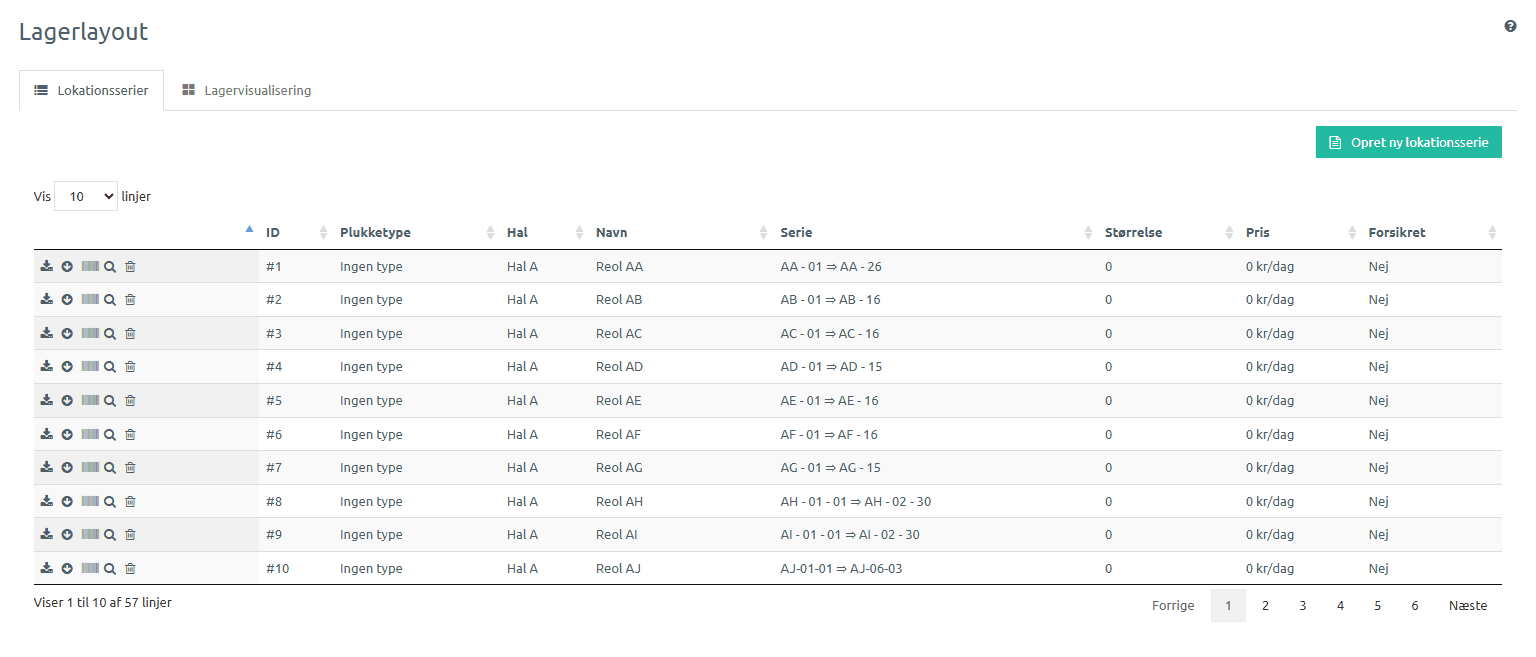
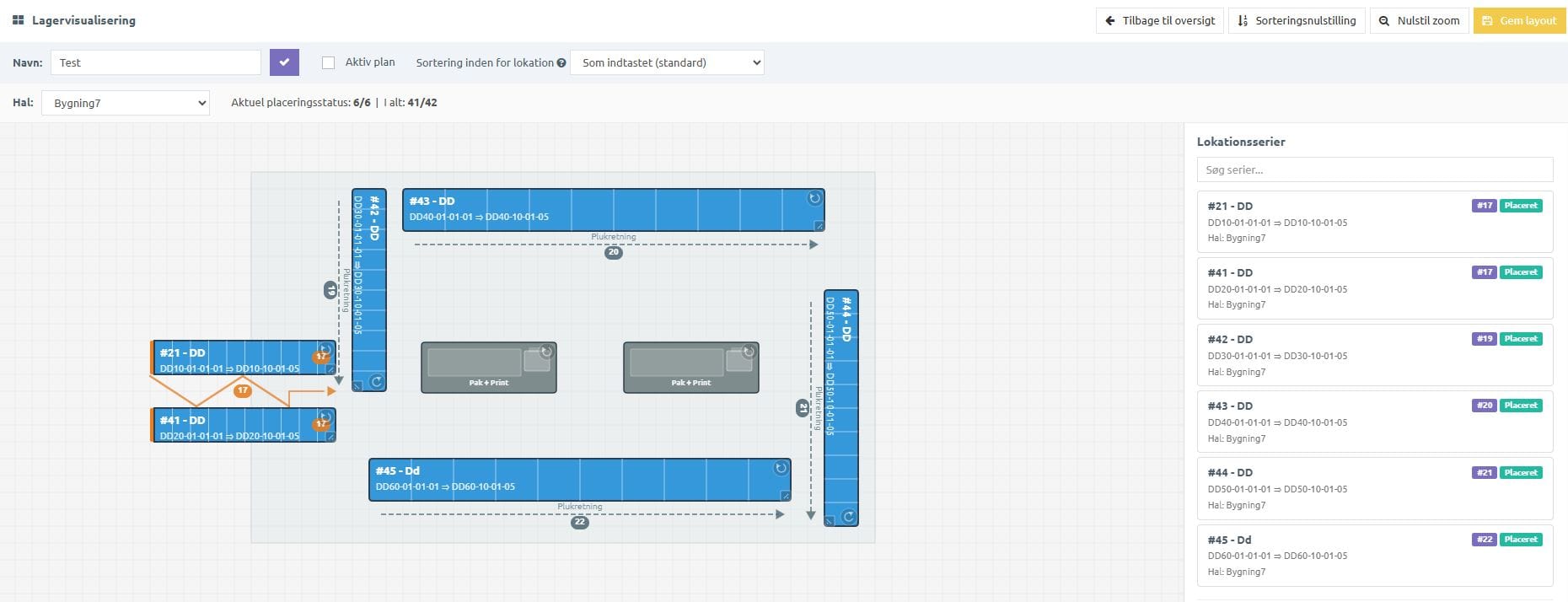
Draw your warehouse layout visually in the system. Place location series on the map and see where your items are. The system uses the layout to calculate optimal picking routes.
Dedicate specific locations to particular item numbers. When an item is received, the employee is automatically guided to the reserved bin.
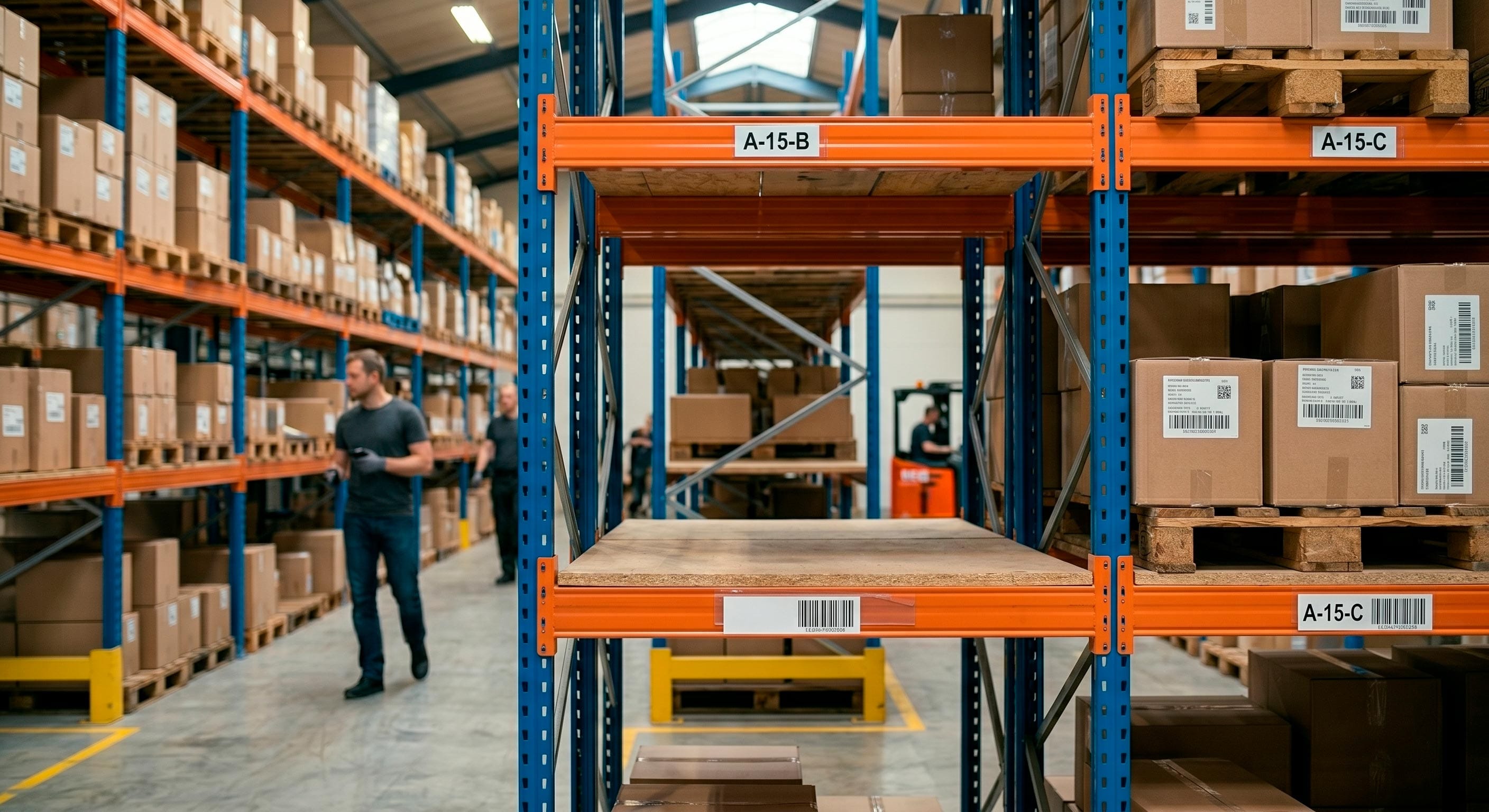
Received items can be placed in buffer locations before final put-away. Perfect for larger receipts that need to be distributed over time.
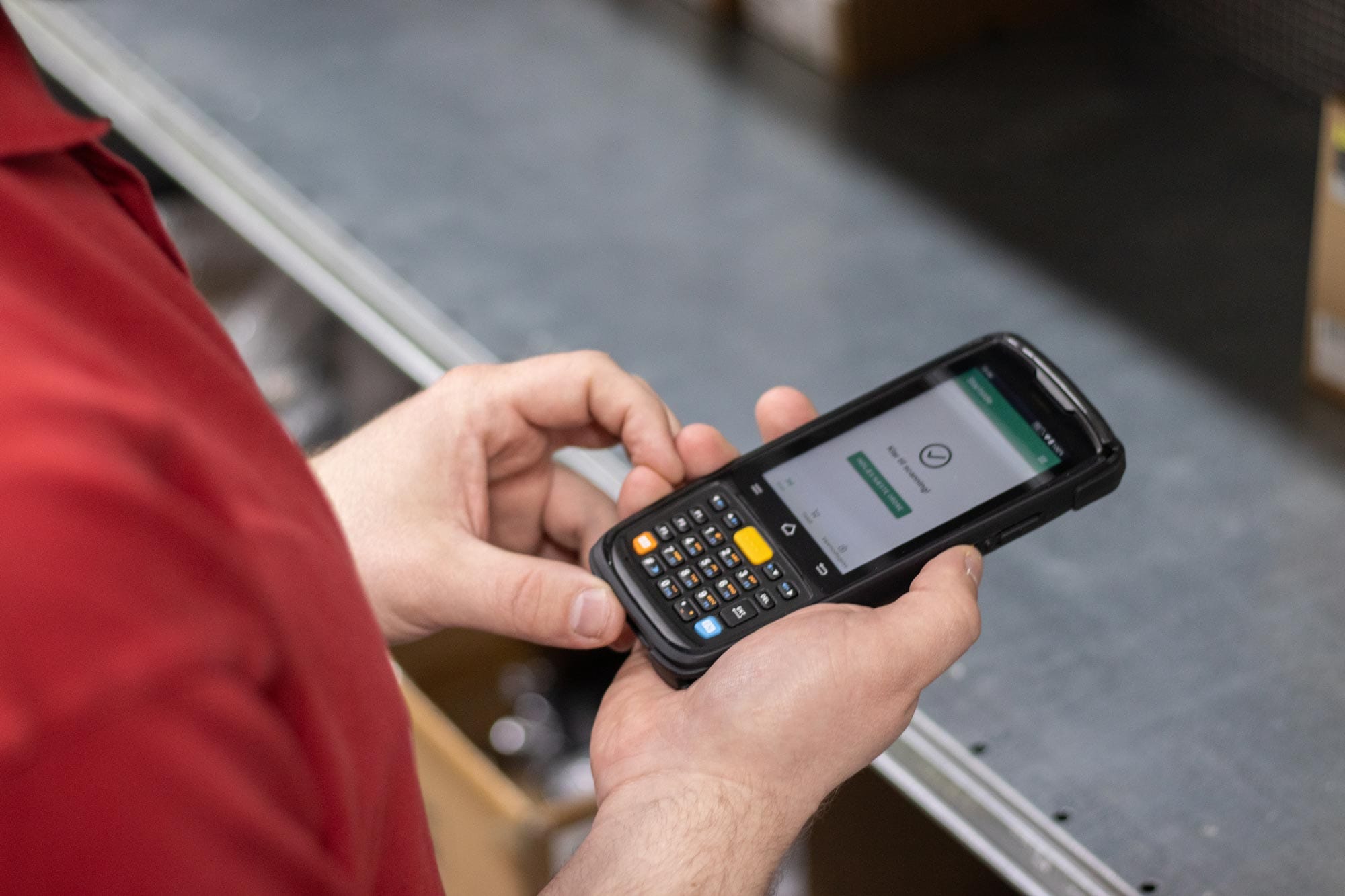
During replenishment routines, the handheld terminal automatically guides the employee to the correct locations in the buffer warehouse.
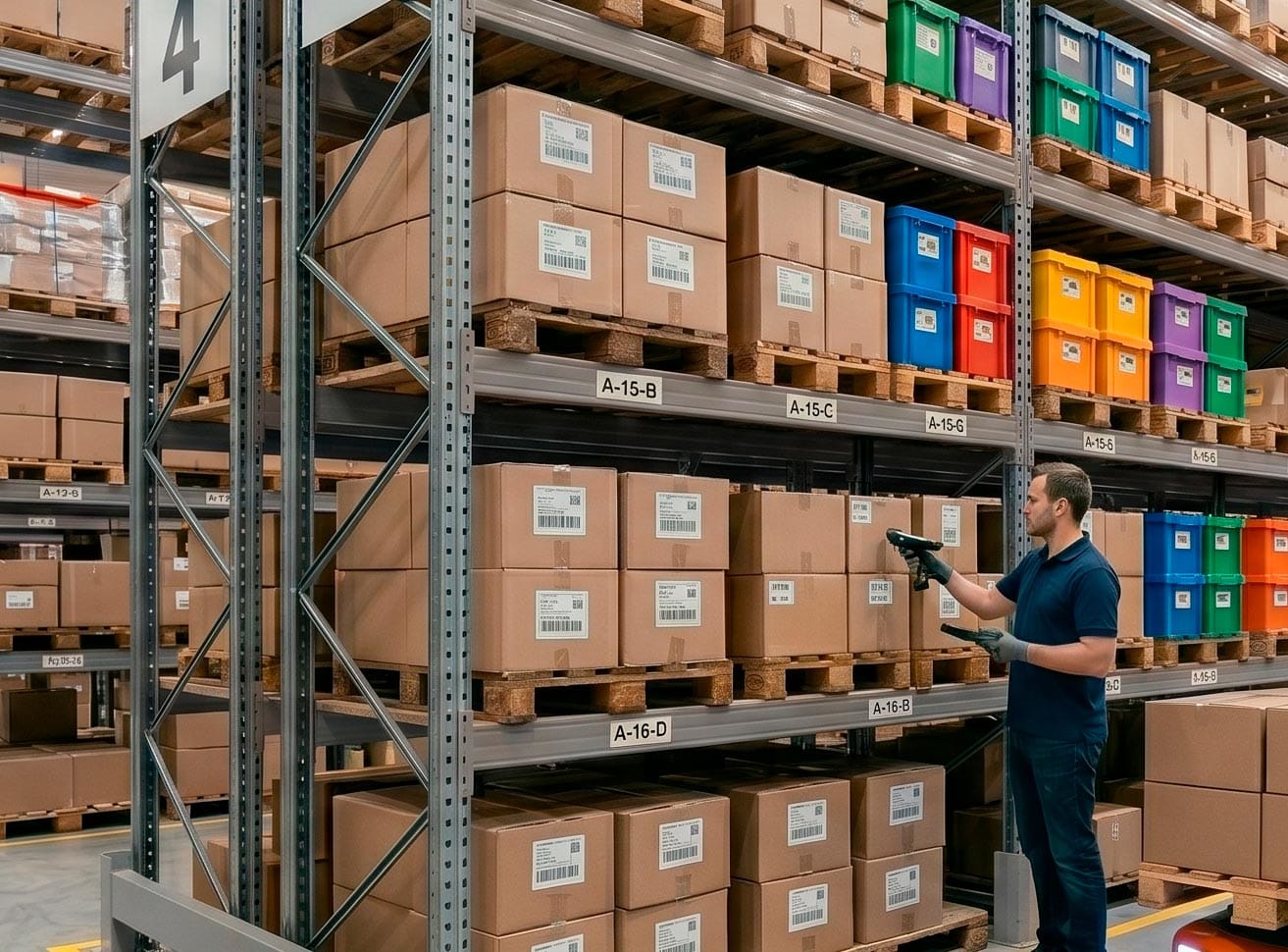
Stock is updated in real time on picking, receiving, counting and returns. No more guesswork — check stock status directly.
The system automatically detects when physical stock deviates from what’s expected. Get notified before the problem grows.
Set minimum levels per item. When stock hits the threshold, you get notified — so you can reorder before it’s too late.
Configure cyclic counts that run continuously, or run full counts whenever it suits you. Employees count using a handheld terminal.
When the picking location is empty, the system suggests replenishment from a buffer or secondary location. The employee is guided via the handheld terminal.
Do you have multiple warehouses? Lagersystem supports multi-warehouse with transfers between warehouse locations. Each warehouse has its own locations but shares product master data.
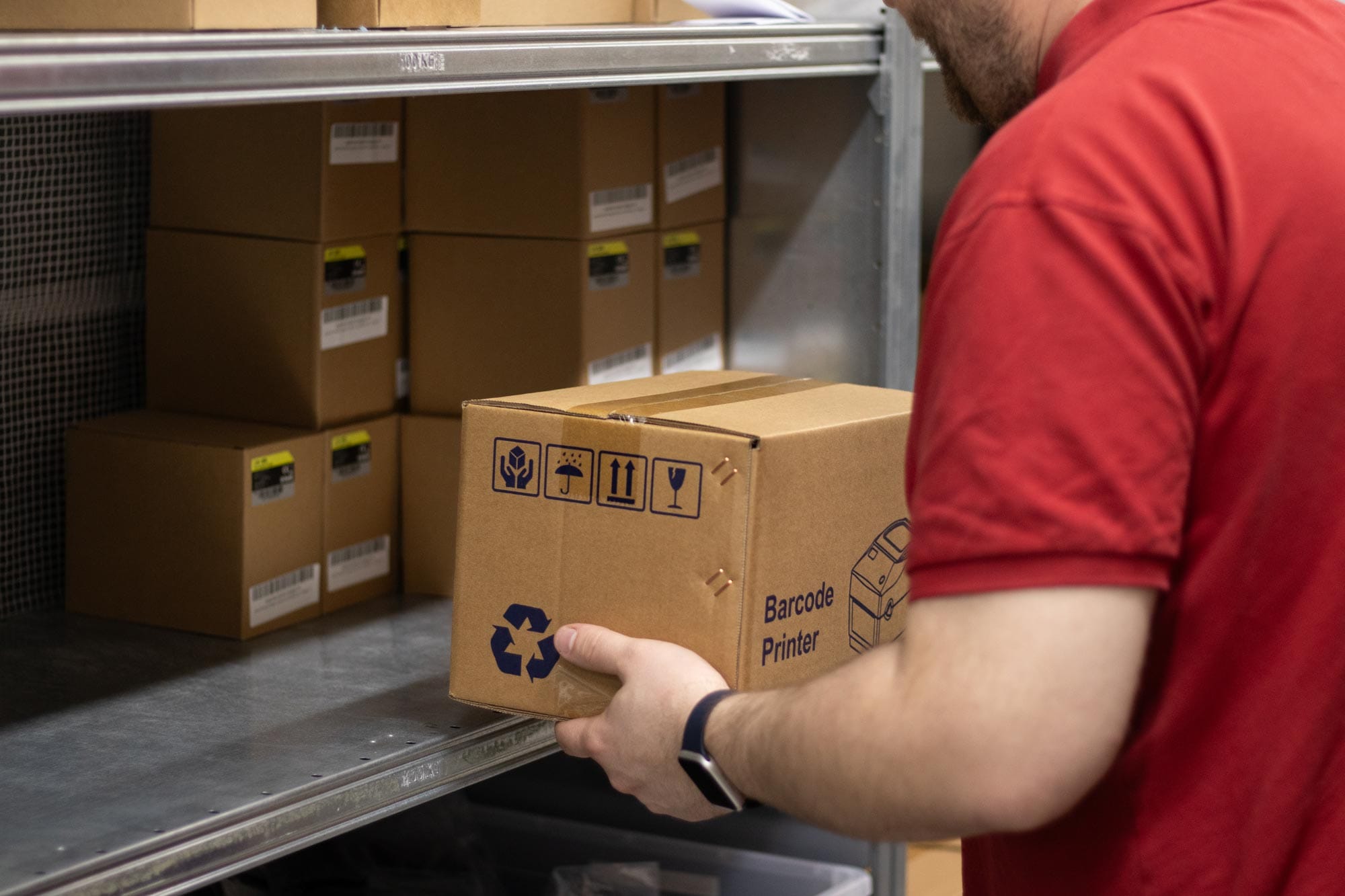
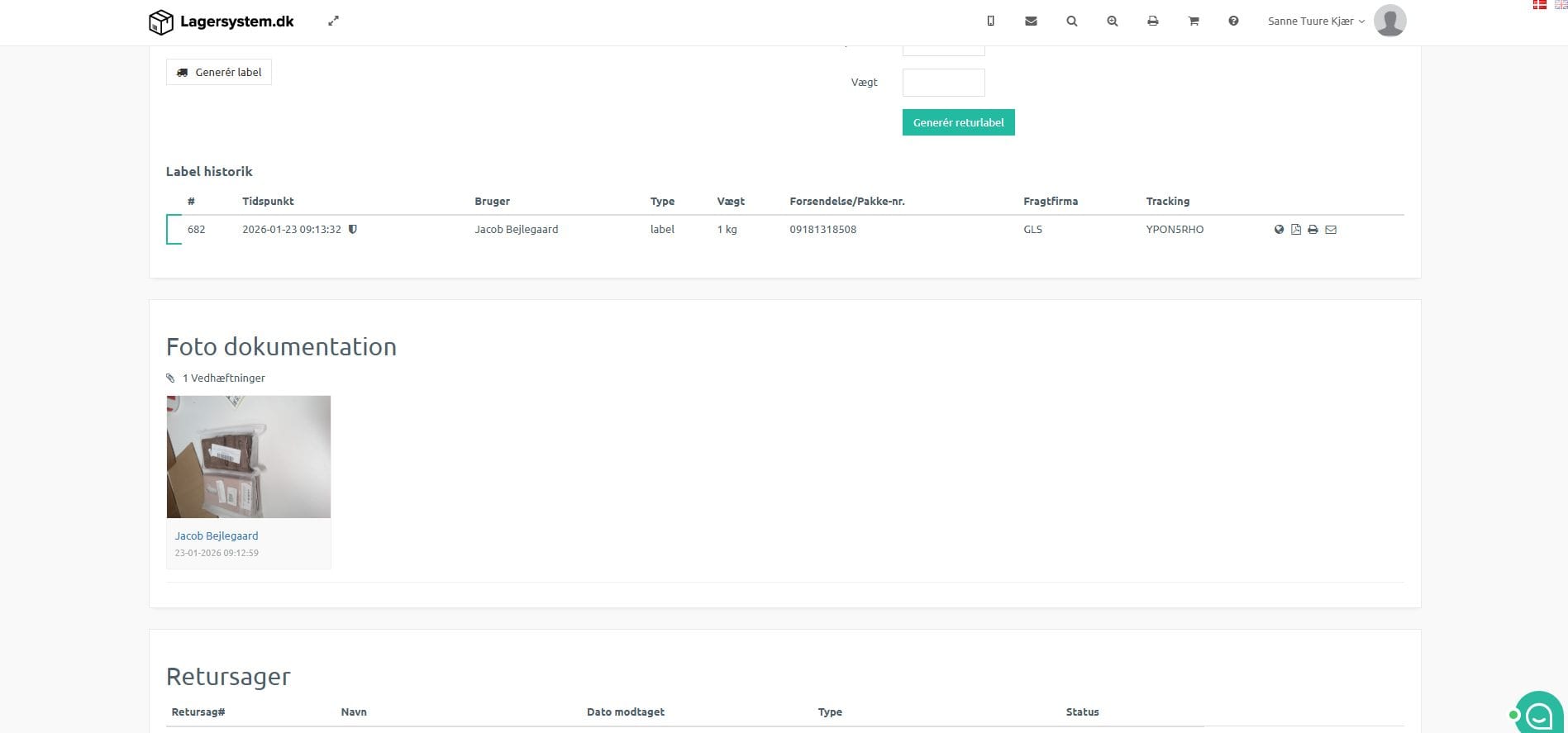
Take photos of received items, packed orders or damaged products. The photos are linked directly to the order or the goods receipt.
Lagersystem has a complete warehouse visualisation with a drag-and-drop editor. Draw your warehouse layout, place location series visually, and let the system calculate optimal picking routes automatically.
The system can identify and clean up locations that are no longer used — e.g. empty locations with no items or reservations.
Group locations by type, zone or purpose. Use groups to control picking order, availability and visibility.
Import hundreds of locations in minutes via CSV. Export existing locations for backup or transfer between warehouses.
Create series (e.g. A-01 to A-50) with defined patterns. Print barcodes for entire series at once. Download series definitions.
Choose between several strategies for location reservation during picking, avoiding wasted trips to a location because a colleague has just picked there before you:
Book a demo and get a walkthrough of location management, visualisation and stock overview tailored to your setup.
Get a personal walkthrough in 30-60 minutes. We’ll show you exactly how Lagersystem suits your business — with a focus on the features that matter most to you.
We typically get back to you within 24 hours on weekdays.