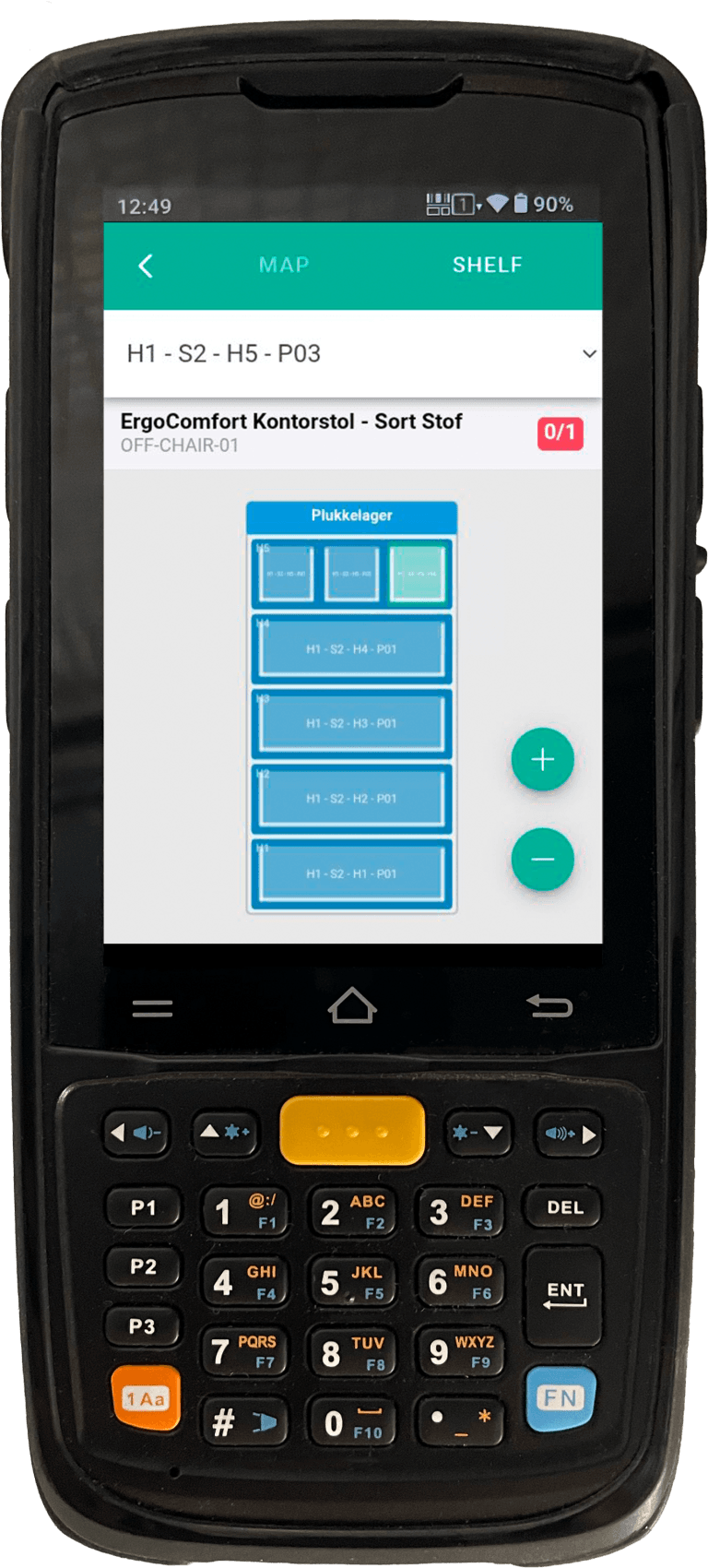
Our Android app is developed specifically for warehouse use and runs on professional handheld terminals. Physical laser scan engine, industrial design and long battery life.
The entire picking process is guided by the handheld terminals. The employee is told the next location, scans the location to confirm, scans the item, and moves on.
Multipick/batch picking works fully on the handheld terminals. The employee picks items for several orders in one round — the handheld terminals control it all.
Does your business require batch or serial number tracking? The handheld terminal automatically asks for batch/serial number when relevant.
The entire goods-receiving process can be run from the handheld terminal. Scan items in, register batch/serial numbers and place on location.
Cyclical counting and full stocktakes are run directly from the handheld terminals. Scan location, count items, confirm.
Install our print client app on a PC in the warehouse. When a shipping label is generated, it prints automatically on the linked printer. No manual print job.
The employee can generate shipping labels directly from the handheld terminal. The label is sent to the nearest printer via the print client. No PC required.
Don’t just print shipping labels. Lagersystem can also generate product labels, location labels and barcodes.
All handheld terminal activity is logged with a timestamp and user. See exactly who picked which order, and when they started and finished.
All hardware is pre-configured and ready to use right away.
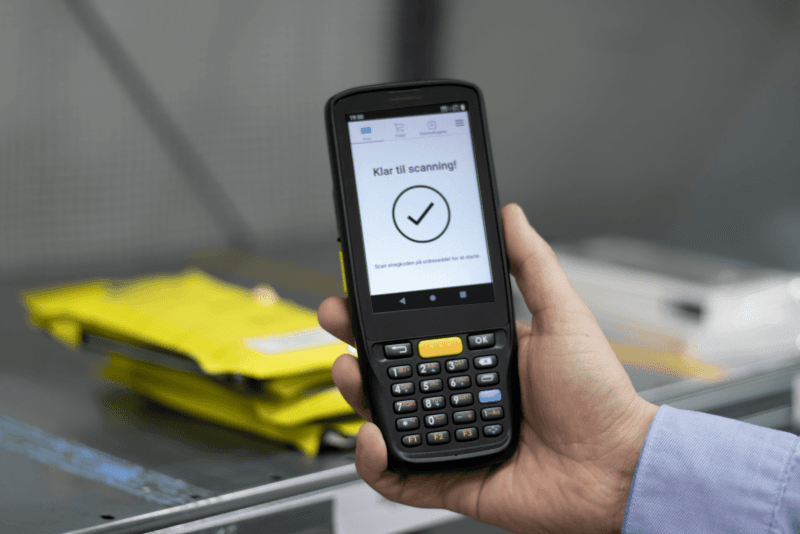
Professional handheld terminal incl. charging dock
620 EUR
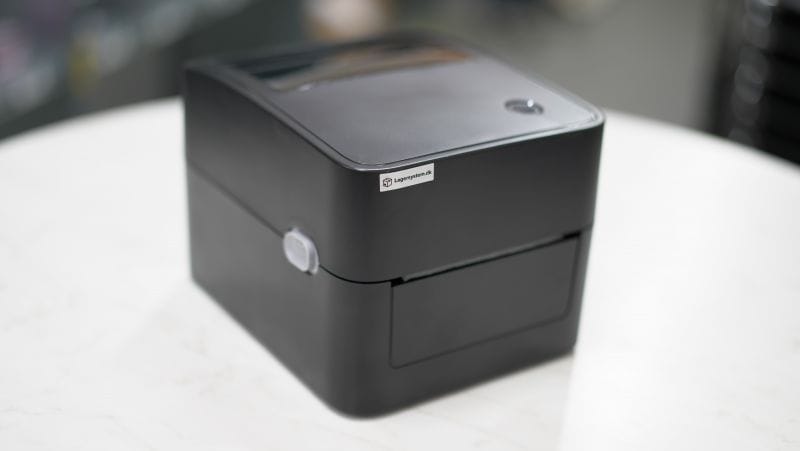
Thermal label printer with USB and WiFi
190 EUR
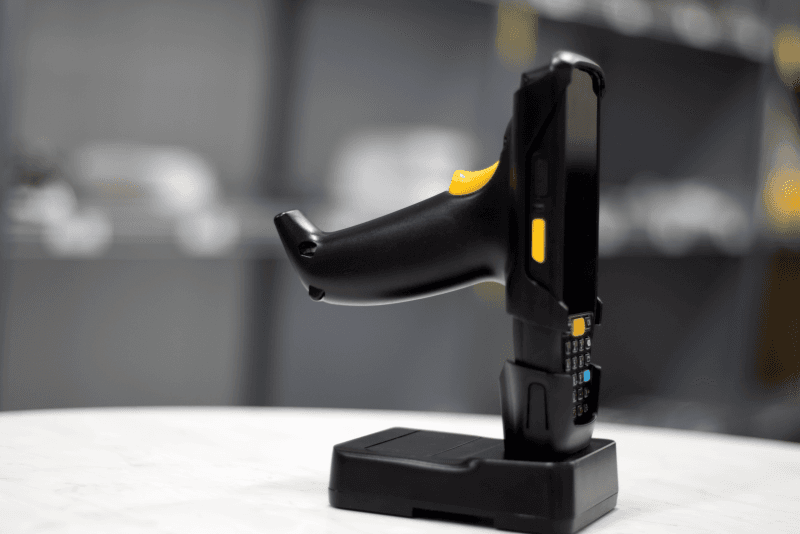
Charging stands, covers, spare batteries.
With NEXTORDERS barcodes or the load-next-order button, the handheld terminals automatically load the next orders for picking. No navigating the system.
Use the handheld terminal to move items from one location to another — inter-warehouse transfers or internal relocation. Scan the from-location, scan the item, scan the to-location.
Replenishment routines are run directly from the handheld terminal. See which locations need restocking, scan items from the buffer, place on the pick location.
See which app versions all handheld terminals are running. Get notified when a handheld terminal is running an outdated version. “Last seen” timestamp per handheld terminal.
On desktop, you can open the Command Palette with Cmd+K and search orders, items, settings — jump straight to what you’re looking for without clicking the mouse.
You get a personally sorted order overview based on your sorting rules, e.g. zone picking, heavy items, special packaging and odd sizes.
Scan an item barcode to see all details: item number, title, stock, locations with quantities, batch numbers with expiry dates, serial numbers, unit and blocking status.
Scan a location barcode to see all items at the location with quantities, batch numbers and buffer marking.
Receive returned items with the handheld terminal: scan the return order ID, scan items, register condition, batch/serial numbers, and place on the return location.
Run cyclical and full stock counts from the handheld terminal. Scan location, count items, confirm. See expected vs. scanned quantity.
Scan item, scan from-location, scan to-location. Move items between locations, including batch and buffer location support.
Move all contents from one location to another — in a single operation.
When packing: choose the packaging type (box, envelope, tube) directly on the handheld terminal before shipping.
Quantities can be entered with decimals — important for items sold by weight or length.
The handheld terminal gives audio feedback on correct/incorrect scans — the employee hears whether the action succeeded.
Configurable auto-logout when the handheld terminal isn’t used for X minutes. A warning before logout so work in progress can be saved.
Employees log in by scanning their personal user barcode. No typing passwords. Switch users with the USERCHANGE barcode.
The handheld terminal automatically checks for firmware and app updates. Download and install directly from the app.
Book a demo and see how the handheld terminal app and direct printing work in practice. We can also send a demo device.
Get a personal walkthrough in 30-60 minutes. We’ll show you exactly how Lagersystem suits your business — with a focus on the features that matter most to you.
We typically get back to you within 24 hours on weekdays.