— Create, read, update, delete orders. Manage order lines, status and metadata.
— CRUD on product master data. Variants, prices, images.
— Read stock status per location and item. Adjust inventory.
— Generate shipping labels, retrieve tracking numbers, close orders.
— Create return orders, manage the RMA flow.
— Read and manage warehouse locations.
— Read and register batch and serial number data.
— API for handheld terminal operations.
— Start and control multipick sessions via API.
Complete API documentation generated from the OpenAPI v3.0 specification. Test endpoints directly in Swagger UI without writing code.
– OpenAPI v3.0 spec
– Interactive Swagger UI
– Authorisation with API key directly in the UI
– Request/response examples for all endpoints
– Try-it-yourself functionality
Create API keys with exactly the permissions needed. Each key has its own scope — no unnecessary access.
– API key-based authentication
– Tiered scopes per key
– Separate keys per integration/partner
– Activity log per API key
Register webhook endpoints and get notified in real time when orders are created, labels are generated, items are received or status changes.
– Order events: created, changed, sent, cancelled
– Stock events: received, picked, adjusted
– Shipment events: label generated, tracking updated
– Configurable per event type
– Retry mechanism on failure
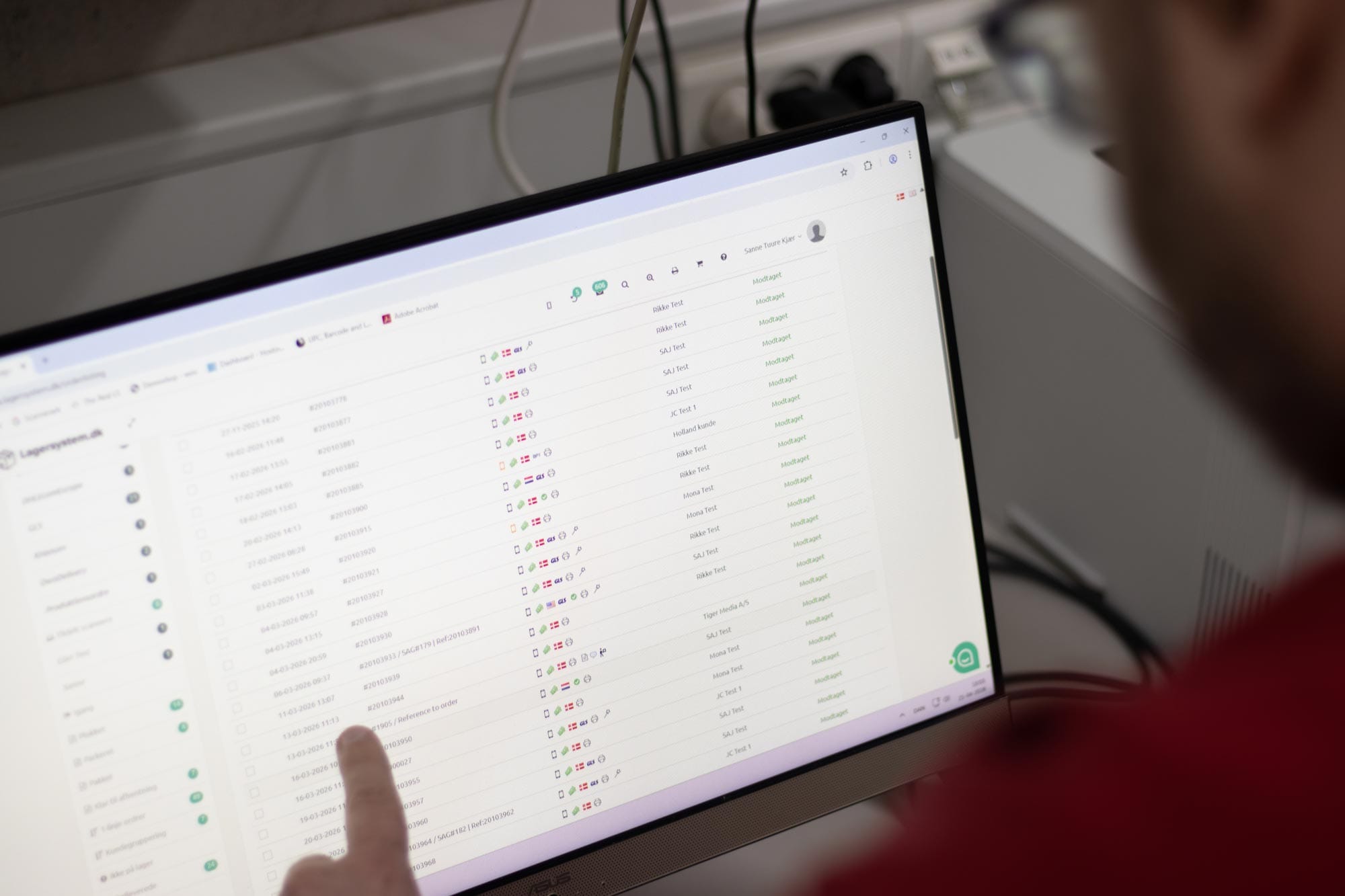
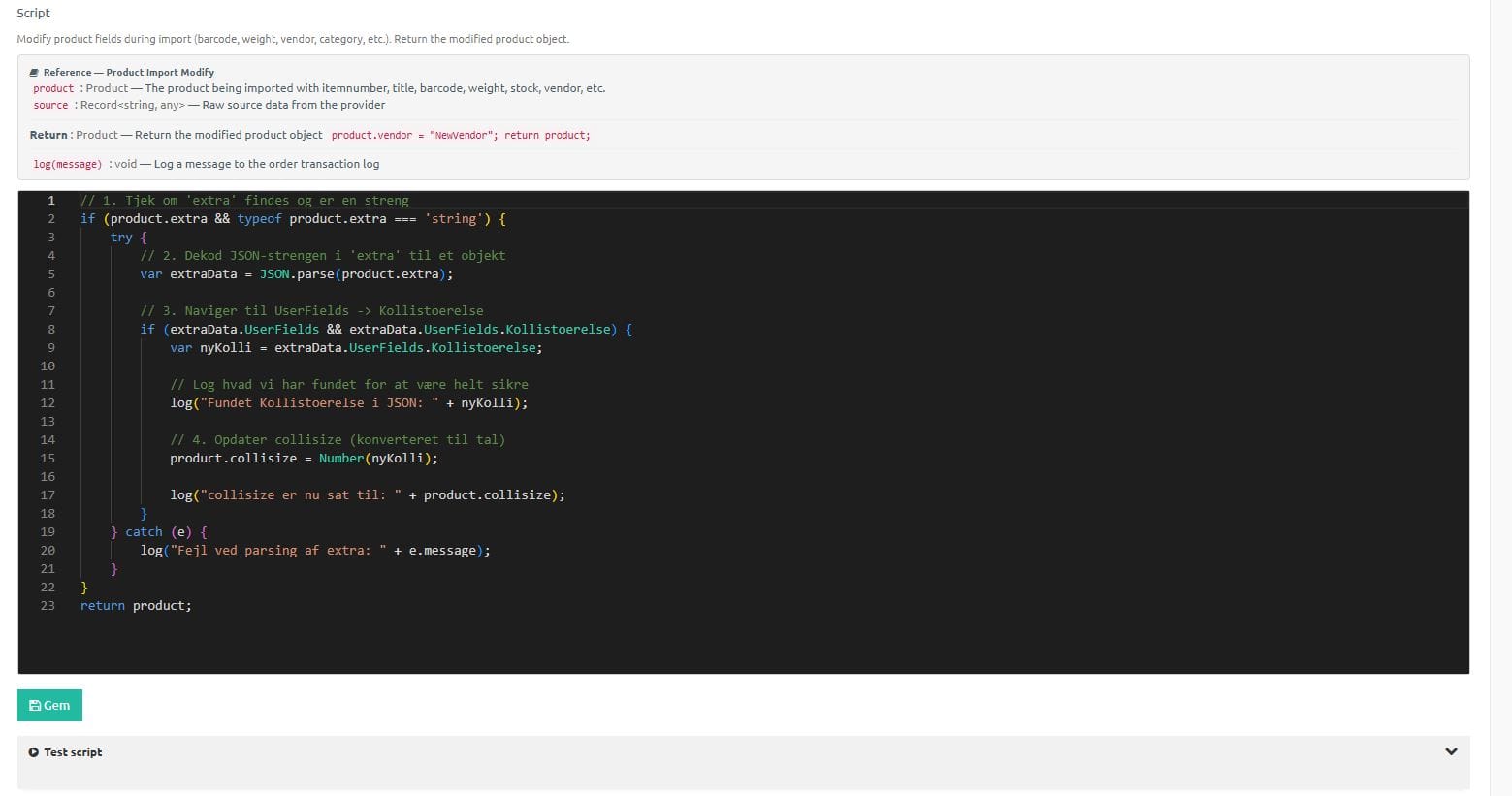
Beyond the API, you can write business rules directly in TypeScript. The rules run automatically on order import, carrier selection and other events.
– 8 rule types (order modification, carrier selection, subsite assignment, and more)
– Test with real order data
– Transaction log for debugging
					POST /api/v1/orders
Content-Type: application/json
X-API-Key: your-api-key

{
  "orderNumber": "WEB-12345",
  "customer": {
    "name": "Anders Hansen",
    "email": "anders@example.com"
  },
  "deliveryAddress": {
    "street": "Vestergade 10",
    "zip": "8000",
    "city": "Aarhus",
    "country": "DK"
  },
  "lines": [
    {
      "itemNumber": "SKU-001",
      "quantity": 2
    }
  ]
}
					GET /api/v1/stock?itemNumber=SKU-001
X-API-Key: your-api-key
					POST /api/v1/orders/12345/ship
X-API-Key: your-api-key

{
  "cargoMethod": "POSTNORD",
  "weight": 2.5
}
Connect your own order system, webshop platform or ERP system directly with Lagersystem via the API.
Build integrations for your clients. The API documentation makes it easy to get started.
Give your fulfilment customers the ability to submit orders directly via the API and receive status updates.
Beyond the primary endpoints, the Lagersystem API also has:
— Look up cart/box via barcode
— Handling of physical boxes in multipick
— Add/remove labels on orders
— Create and manage stock transfers
— Cancel scans, manage receiving
— Shipping package handling
— Remove/manage locations
Lagersystem has a complete webhook system built to the standard-webhooks specification.
Create subscriptions, choose events, and receive signed HTTP POST calls in real time.
Order (5):
order.received — New order receivedorder.deleted — Order deletedorder.status_changed — Order status changed (incl. old and new status)order.handled — Order handled/sentorder.partdelivered — Partial delivery sent
Shipment and returns (2):
shipment.generated — Shipping label generated (incl. label URL and carrier)return.generated — Return label generated
Goods receipt (3):
goodsin.received — Goods receivedgoodsin.handled — Goods receipt completedgoodsin.partreceived — Partial receipt
Users (3):
user.created, user.updated, user.deleted
Items and stock (9):
item.modified — Item changedstock.changed — Stock quantity changed (item number, quantity, batch, location)additionalbarcode.added/updated/deleted — Additional barcodesitemlocation.added/updated/deleted — Item locationslocationseries.added/updated/deleted — Location series
Returns / RMA (4):
rma.created, rma.updated, rma.deleted, rma.status_changed
Stock counting (3):
stockdiff.item_added, stockdiff.item_deleted, stockdiff.run
Status count (3):
statuscount.created, statuscount.started, statuscount.finished
Transfers (2):
transfer.created, transfer.finished
Reports (2):
report.endofday_generated, report.combinedcustoms_generated
Test (1):
webhook.test — Test event for verificationAll webhooks are sent as HTTP POST with a JSON body in standard-webhooks format:
					{
  "type": "shipment.generated",
  "timestamp": "2026-03-23T14:30:45+00:00",
  "data": {
    "orderId": 12345,
    "orderRef": "ORD-2024-001",
    "labelUrl": "https://...",
    "provider": "PostNord"
  }
}
Each webhook is signed with HMAC-SHA256. Three headers are sent along:
webhook-id — Unique message ID (msg_abc123...)webhook-timestamp — Unix epoch secondswebhook-signature — v1,{base64(HMAC-SHA256)} signatureSecret format: whsec_{base64(24 random bytes)} — generated on creation.
Verification at the recipient:
{webhook-id}.{timestamp}.{body}Failed deliveries are retried up to 7 times with increasing wait times:
| Attempt | Wait time |
|---|---|
| 1 | Immediate |
| 2 | 5 minutes |
| 3 | 30 minutes |
| 4 | 2 hours |
| 5 | 5 hours |
| 6 | 10 hours |
| 7 | 20 hours |
All wait times have +/-20% jitter to avoid thundering herd.
Special HTTP status codes:
GET    /api/webhooks              — List all subscriptions
POST   /api/webhooks              — Create new subscription
GET    /api/webhooks/{id}         — Get subscription details
PUT    /api/webhooks/{id}         — Update subscription
DELETE /api/webhooks/{id}         — Delete subscription
POST   /api/webhooks/{id}/test    — Send test webhook
All endpoints require API key authentication.
Complete log of all delivery attempts:
Set up and manage webhooks directly in Lagersystem:
Full order management via API:
– Create orders with customer, address, lines, payment, shipping
– Read orders with full detail incl. lines and metadata
– Update orders — status, addresses, notes, extra fields
– Delete/cancel orders
– Order lines: Add, change, remove lines
– Labels: Add/remove tags via API
– Status change: Move orders through the entire status flow
– Create/edit/delete users via REST
– Retrieve user groups
– Authentication (username/password)
– Retrieve all users with DataTable pagination
– Item search with pagination
– Item information with prices (configurable)
– Item information with stock status (configurable)
– Variant information
– Hash-based validation for caching
See our API documentation or book a technical demo with our developer team.
Get a personal walkthrough in 30-60 minutes. We’ll show you exactly how Lagersystem suits your business — with a focus on the features that matter most to you.
We typically get back to you within 24 hours on weekdays.